New query fanouts tab in Profound
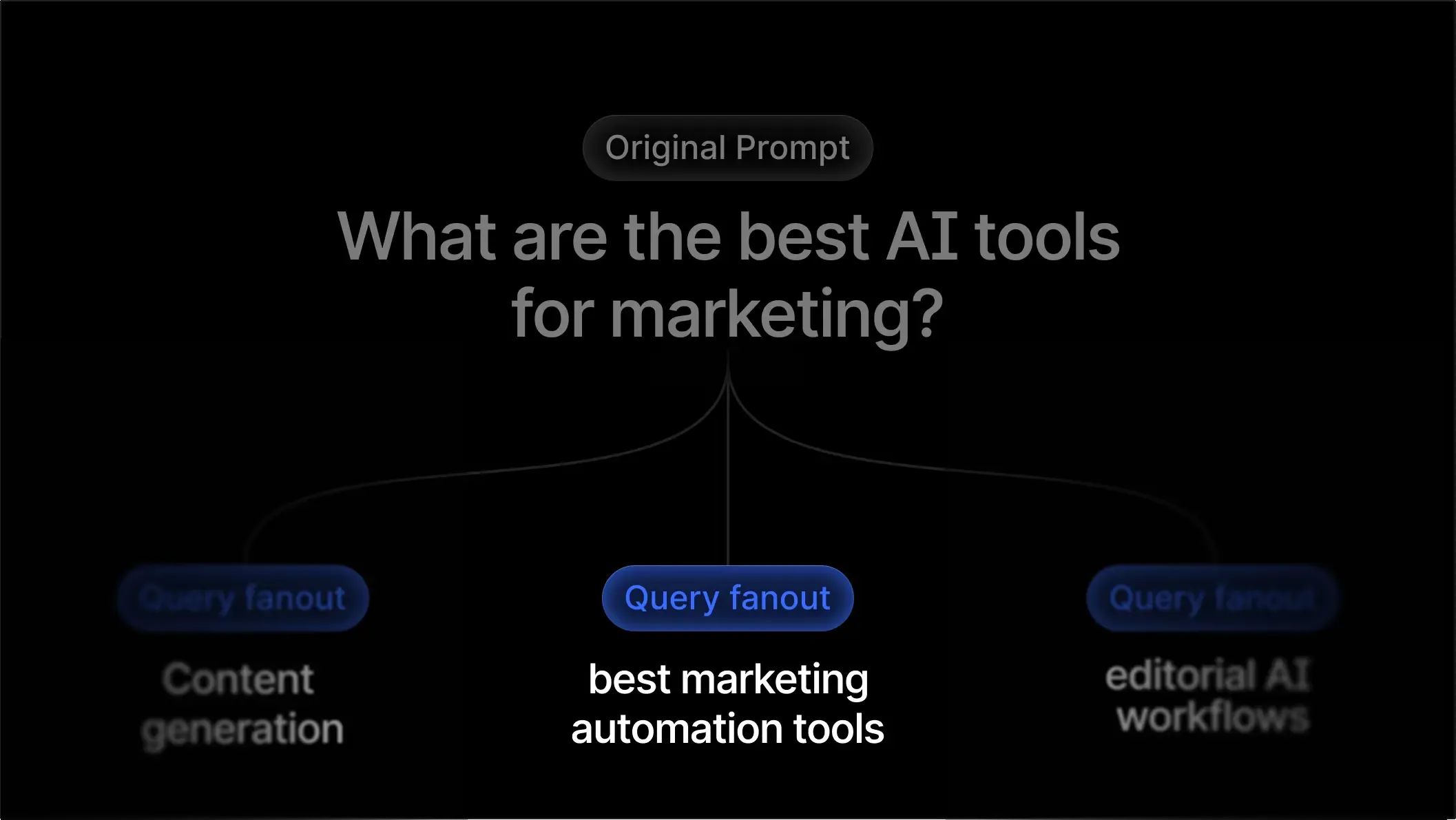
When someone asks ChatGPT, Claude, or Gemini a question, the model rarely “knows” the answer. Before these Answer Engines respond, they fan out the user’s prompt into multiple high-intent search queries, retrieve information from the web, and then synthesize everything into a final answer.
For example, if a user asks:
“Which business bank account is best for startups?”
The model might break this into queries like:
“best business checking accounts for startups 2025”
“online business banking comparison fees”
“startup bank account requirements”
This hidden step, the Query Fanout, determines which brands get pulled into AI answers, and which get left out.
Today, we’re making that process fully transparent.
You can now explore all query fanouts for the prompts you track in Profound through the new Query Fanouts page, designed to help AEO teams understand how Answer Engines interpret prompts and uncover the exact queries they use to research your category.
Read more on how to use the tab and interpret the data here.

Why this matters
In 2025, creating content without considering query fanouts is like doing SEO without knowing your keywords.
Answer Engines don’t simply evaluate a user’s question – they transform it into a set of richer, more targeted search queries. That’s what they actually use to decide which sources to cite.
If your content doesn’t rank for what the model searches, you won’t appear in what the user sees. We’ve written previously about how this works in practice in our breakdown of ChatGPT’s query fanout behavior.
At Profound, we analyze this behavior at scale, running millions of prompts through Answer Engines every day and capturing both the answers and the underlying fanouts. This gives AEO teams a first-of-its-kind window into:
How AI interprets user intent
What queries drive citations
Which modifiers matter most
Where content gaps and opportunities exist
With Query Fanouts, you can stop guessing how Answer Engines reason about your prompts and start optimizing for how they actually search. Get started by visiting Answer Engine Insights in your Profound dashboard.