Profound's Anthropic connector, Noble third-party citation fixes, and more
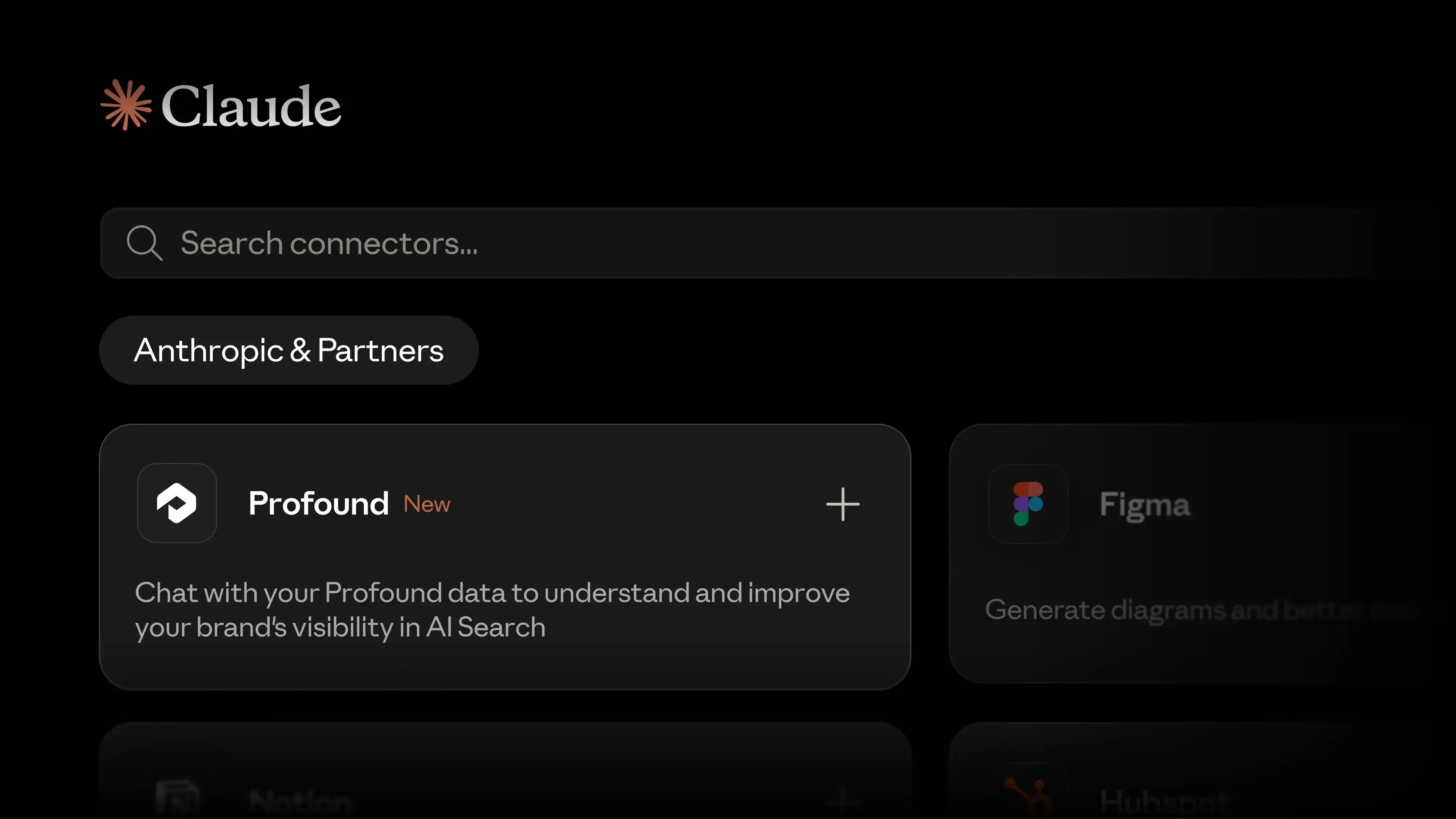
Set up our official Anthropic connector in a few clicks
Profound is now an official Anthropic connector, removing the need for API keys or manual configuration to bring your AEO data into Claude. Alongside this update, we shipped several new capabilities:
Update your tracked prompts by asking for actions like "Add these ten prompts to my enterprise CRM category" or "Generate prompt variations around our new pricing page," and Claude updates your Profound instance.
Build and run a Profound Agent from a plain-language description, right inside the conversation, with Claude acting as the orchestrator and the Agent as the specialist handling the task.
List, accept, and work on Projects from the MCP.
Manage AEM content without leaving Profound

Agents can now find, read, create, and update Content Fragments directly in Adobe Experience Manager. You can work from Profound while updates flow straight into AEM.
Fix inaccurate claims with the Noble Mention Refresh integration
FactCheck flags inaccurate claims made by AI and pinpoints the exact third-party sources driving those inaccuracies. With our Noble integration, you can export those domains directly to Noble via Profound Agents to take action.

Noble updates the copy to match your brand guidelines, reaches out to the publisher through its network, and corrects the mention on your behalf, handling the outreach, negotiation, and payment. You can track the progress of your mention refreshes in your Noble dashboard, then track accuracy in FactCheck as the corrected sources get picked up.
You will need a connected Noble workspace. Book a demo to learn more.
Aim now cites its sources across all projects

Every Project now includes the platform data, customer context, and research behind each recommendation, with source cards and inline citations linking straight back to the dashboard. Turn "we should do this" into a case you can defend to any stakeholder.
Also new in Projects:
FactCheck data now feeds directly into Project recommendations.
Edit task plans yourself with our editor instead of asking Aim for changes.
Catch the bots you're accidentally blocking
Pages and Agent Analytics now both include a robots.txt audit within Bot View, showing exactly which AI crawlers your site disallows. A single blocked bot can quietly decrease your visibility; now you can catch it early.
See a page's entire history in one timeline

Pages Timeline shows every event for a page in one chronological feed, from first discovery to alerts, health scores, and week-over-week changes in bot visits and citations. The new Highlights view also flags which pages are gaining momentum and which need attention at a glance.
Ask Aim about your ChatGPT Shopping visibility

Aim can now answer questions about how your brand shows up in ChatGPT Shopping results. Get the same conversational access to Shopping data that you already have for visibility, citations, and sentiment.
Save your filters and share the exact view your team needs
You can now create and name saved views in Pages, capturing your filters, comparisons, and column setup in one link. Share the link, and anyone on your team can land on the exact same view.
Run one agent across every category
Answer Engine Insights nodes now include a category dropdown, so a single Agent can pull data across multiple categories at once. You can also select multiple Profound topics, prompts, and assets input types.
We love to hear from you. Please share your feedback on how we can improve.