Track Muse Spark, admin allowlist for integrations, and more in Profound
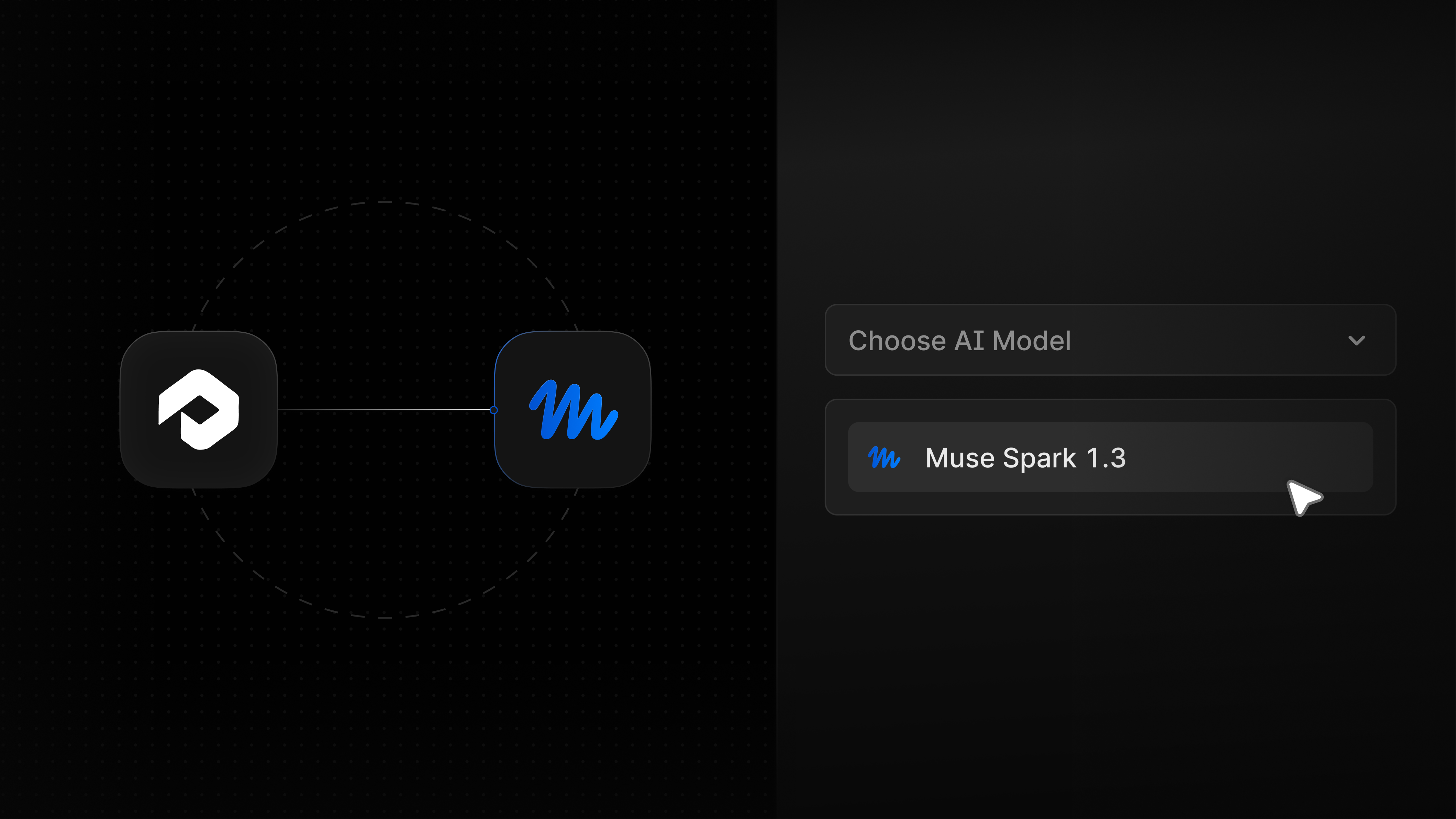
See what the model behind Muse knows about your brand
Muse Spark 1.3 is now available in Answer Engine Insights. It is one of the models that power Meta’s Muse personal agent. Your results reflect how the model itself understands your brand. Strong visibility indicates that your content reaches the model behind Muse, but it does not guarantee what Muse recommends to an individual shopper.
See how the model describes you: Compare how Muse Spark talks about your brand, products, and competitors with ChatGPT, Gemini, and the other Answer Engines you track.
Add audience context with Personas: Muse draws on each shopper's memory, and Muse Spark has none by itself. Run Muse Spark prompts with Personas to see how its answers change for your priority audiences.
Catch inaccurate claims: Spot what the model gets wrong about your brand before it carries into products built on it.
You can add Muse Spark to the engines you already track. To get started, talk to your Profound account team. Learn more about Muse Spark and how it differs from Muse.
Approve an integration once, and your team can connect it
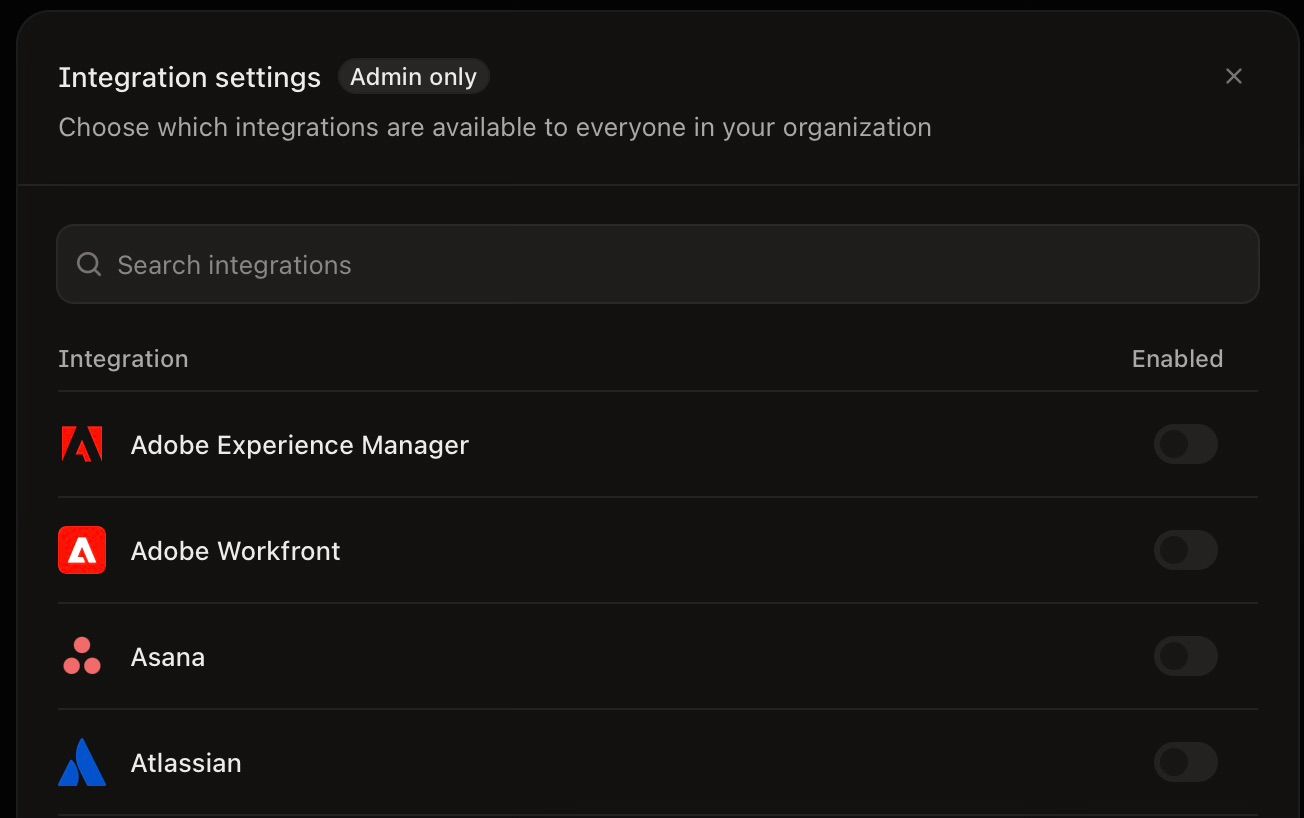
Admins can now choose which integrations their organization can use, and each teammate can connect the approved ones with their own account. When someone needs an integration that’s turned off, they can request it, and admins can approve it from their Profound inbox.
Choose what’s available: On the Integrations page, admins can select ‘Manage integrations’ to turn each integration on or off for the whole organization. Enabled integrations are listed at the top of the page, with recommended integrations and their use cases below.
Let teammates connect their own accounts: Once an integration is on, teammates can connect it themselves. For integrations that use one shared organization account, an admin connects it once for everyone.
Request an integration when you need it: If an integration is turned off, select ‘Request access’. Admins get the request in their Profound inbox, by email, and in Slack, and everyone who asked is notified when it's turned on.
To get started, open the Integrations page in Settings.
Turn AI Search insights into paid campaigns with Profound Ads
Your AI Marketer can now run paid ads too, with the Profound Ads beta. It uses your AI visibility, buyer intent, and competitor ad data to find opportunities across Google, Meta, LinkedIn, and ChatGPT, writes the ads, and tracks results through to revenue.
We’re opening the beta to a limited number of existing customers. Register your interest.
Other updates
Bring Jira context into your marketing work: Your AI Marketer and Agents can now look up Jira tickets and projects as they work, so plans and drafts reflect your team’s current priorities. Draft a launch brief from the tickets behind a release, or check project status, without leaving Profound. To get started, open the Integrations page in Settings.
Let clients explore shared dashboards on their own: When you share a Custom Dashboard as a public link, you can now allow viewers to change the date range, so clients and stakeholders without a Profound login can review any period themselves. The saved dashboard stays as you set it.
Log in to Profound to explore these product updates, and please share your feedback on how we can improve.