Serve content specifically to agents, generate images with your AI Marketer, and more in Profound
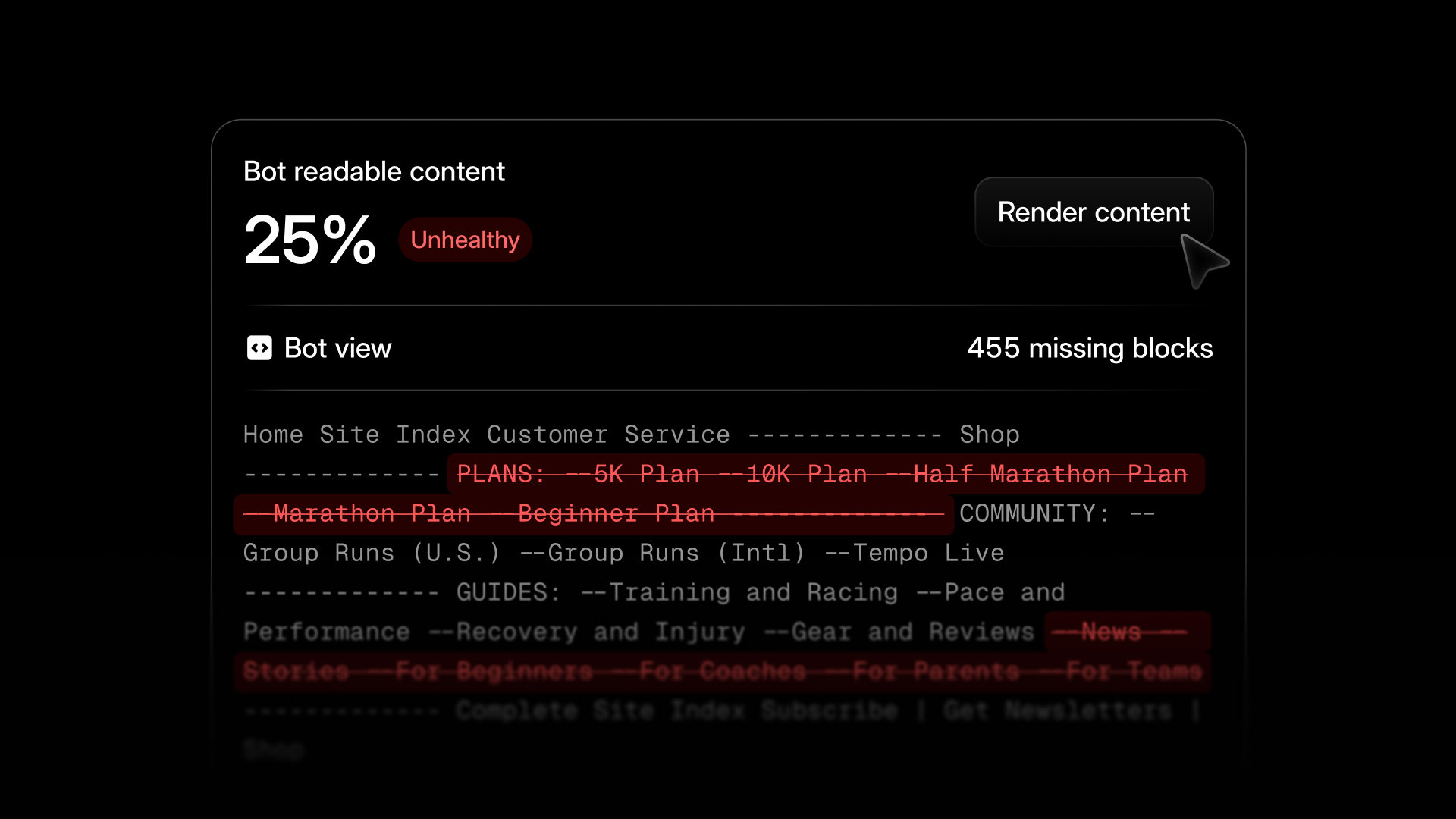
Serve a different experience to AI and human visitors
Dynamic Bot Rendering detects when Answer Engines agents visit your site and automatically serves a fully rendered version of the page, without needing to make any change to your CMS. Content that is client-side rendered, loaded via JavaScript, or gated behind a click is invisible to most AI bots today, so it cannot make its way into the answers they serve consumers. With Dynamic Bot Rendering, Profound serves content directly to AI without touching your website, allowing you to market to two audiences at once.
Rendering policies can be set for specific pages, page patterns, or entire domains, and can vary by bot. These policies are configurable from Pages Settings, from a single page's analytics tab, or in bulk from the Pages table. It's currently available for every customer on CloudFront, Cloudflare, or Vercel. You can learn more about setup here.
See your Google Search Console and AI performance in one view

Google Search Console data is now built into Pages, so clicks, impressions, CTR, and average position sit right next to your AI citation data for every page. Watch for when impressions are holding steady while clicks drop, as that's the moment AI answers start taking over the click.
See the AEO Keywords each page is winning
Go beyond knowing when pages are getting cited in AI Search and start understanding which keywords they are getting cited for. Click into any page in Pages and you'll find a new AEO Keywords section, showing which keywords the page is cited for, plus prompt volume, page share, rank, and difficulty.
Generate images with your AI Marketer
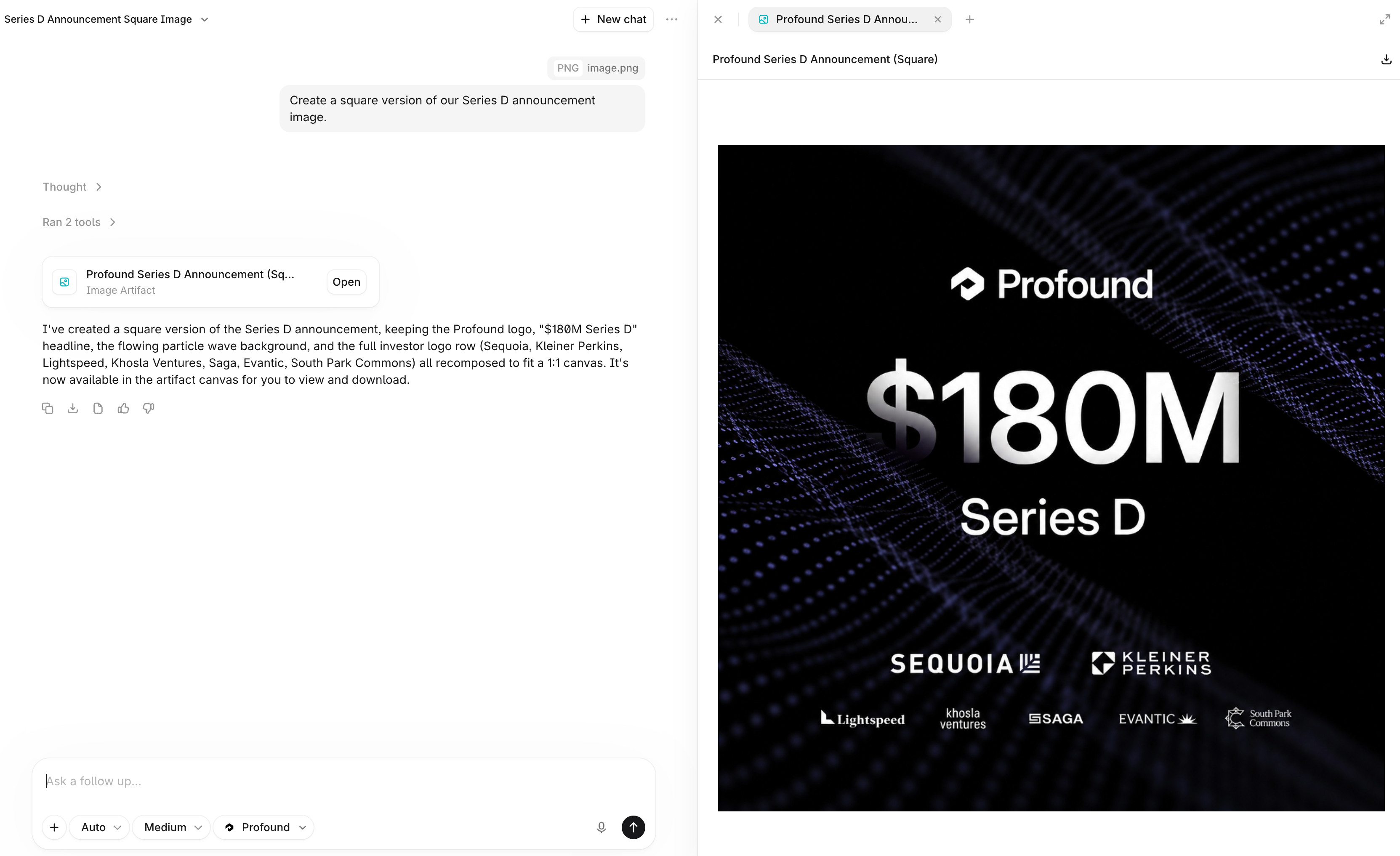
Build assets for a campaign or explore a content idea inside Profound. Your AI Marketer can now turn a prompt with any reference images into new visuals with controls for size, quality, and style.
Upload images to your Knowledge Base
You can now upload images to Knowledge Base. Your AI Marketer will reference and reason over these images when answering questions or generating content.
Ground your work in Microsoft 365 context

Your AI Marketer now connects to your Microsoft 365 work context through Work IQ, pulling in your projects, priorities, collaborators, and recent changes to power more personalized chats and Projects. As your AI Marketer picks up details they get saved as personal memories in Context Manager. The sources for any facts in Context Manager are cited, and you can control whether context from Work IQ refreshes manually or on a set schedule.
Set credit limits by teammate
Organization admins can now allocate credit budgets per user, with an org-wide default and overrides for power users. The Usage page within Settings now also breaks down consumption by user so you get visibility into exactly where credits are going.
Other updates
Add or remove competitors directly from Answer Engine Insights settings.
Rename your Category from the Assets page.
Activity logs now track changes made to prompts within Answer Engine Insights including additions, deletions, disabled prompts, and edited prompts.