Meet the new Projects, integrate more context, and more in Profound
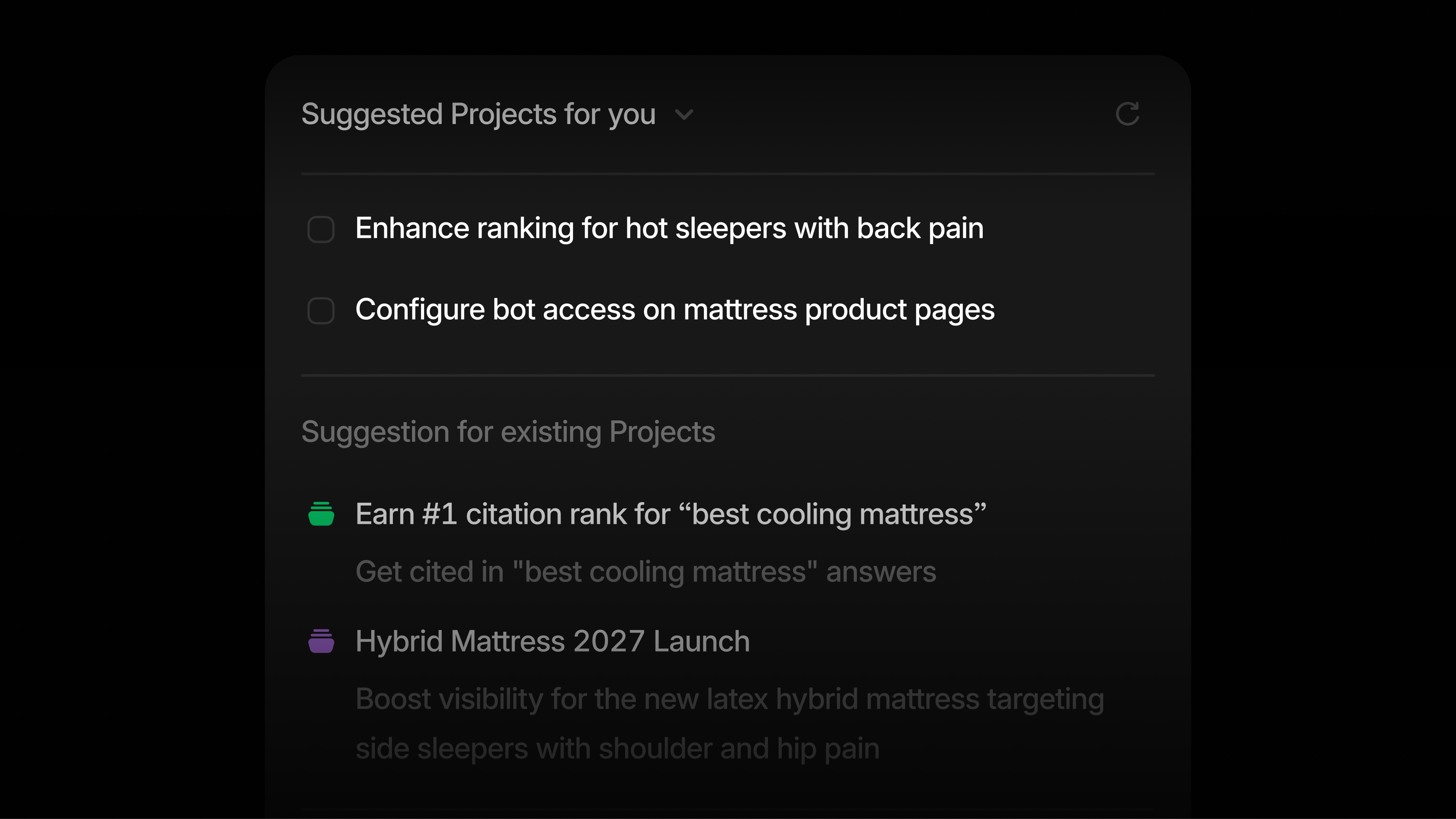
Keep all your marketing initiatives in one place with the new Projects
Product launches, industry campaigns, and sentiment fixes take more than a single conversation. Each Project is a workspace for the context, conversations, and outputs behind that work, and your AI Marketer suggests what to do next.
Go from insight to action faster: The redesigned homepage allows you to move faster on the opportunities your AI Marketer finds. Click 'Start a Project' to begin from a template, or ask your AI Marketer to start one for you. It proposes a plan for you to review before it acts on anything.
Get suggestions backed by your data: Your AI Marketer reviews your data across Answer Engine Insights, Prompt Volumes, and Agent Analytics to recommend new Projects and next tasks for your existing ones. Each suggestion shows the data and sources behind it.
Set context once: Add instructions, files, and Knowledge Base documents to a Project, and every conversation inside it has access to them.
Start suggested tasks in one click: Click 'Start task', and your AI Marketer opens a conversation and gets to work. Documents, Sheets, and images from every conversation are collected in the Project's Artifacts section.
Bring your team in: Projects are private by default. Invite teammates or share with your organization, so everyone works from the same context and conversations.
Projects and the new homepage are live for all Enterprise customers. Watch a walkthrough to learn more about Projects.
New context sources for your AI Marketer
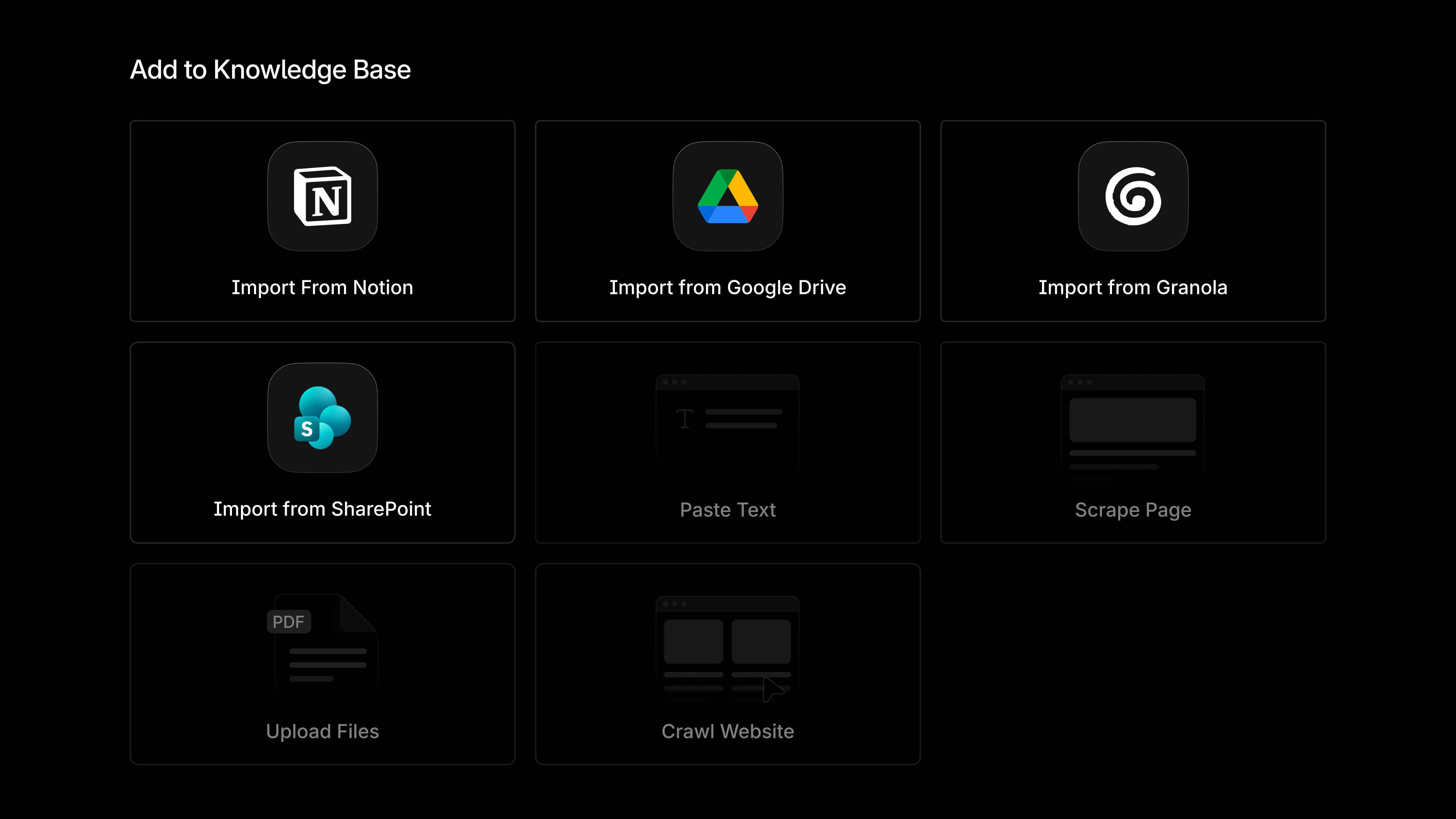
Granola: The decisions and customer insights that shape your marketing often come out of meetings. You can now import meeting summaries and full transcripts from Granola into a Knowledge Base in Profound, giving your AI Marketer more context to work from. Import individual notes or whole folders as a one-time import or an ongoing sync.
Microsoft SharePoint: For many enterprise teams, brand guidelines, campaign briefs, and product decks live in SharePoint. You can now sign in, choose your SharePoint sites, and import those documents into a Knowledge Base, so your AI Marketer and Agents work from the same source material as your team.
To get started, open a Knowledge Base and click 'Add files'. Learn more about Knowledge Bases.
Find Getty Images photos for your content with your AI Marketer
Your AI Marketer can now search Getty Images and find photos for the content it helps create for you. For example, when a Project task calls for a new blog post, your AI Marketer can draft the article and find Getty photos to go with it in the same flow as its research and copywriting.
To get started, sign in with your Getty Images account in Settings under Integrations. Once integrated, choose the Getty connector when working with your AI Marketer.
New integrations for Profound Agents
Update product content in Salsify: Answer Engines describe your products using the details you publish. With Salsify, an Agent can update your existing product content and create new products. Learn more about using Salsify in Agents.
Find new publisher partners with Partnerize: Export your Citation Pages from Agents into Partnerize to see which cited publishers your program already covers, connect partners to the pages where they're cited, and recruit the ones you're missing.
Other updates
Bring Prompt Volumes into your other AI workspaces: The Profound MCP connects Profound to the AI tools your team already uses, and two new tools now make Prompt Volumes and intent insights available there. Learn more about the Profound MCP.
Choose Tags when you run an Agent: Tags are now an input type in Agents, Sheets, and Projects. Pick Tags from a dropdown instead of pasting tag IDs, and run the same Agent on a different group of prompts each time.
See Agency Mode changes in your activity logs: Activity logs now record when workspaces are created, promoted, extended, or moved, and when client workspaces are reactivated.
Filter Answer Engine Insights by language: Narrow your prompts by language to see how you show up in each one you track.
Log in to Profound to explore these product updates and please share your feedback on how we can improve.