Fill context gaps faster, set up Profound Teams, and more in Profound
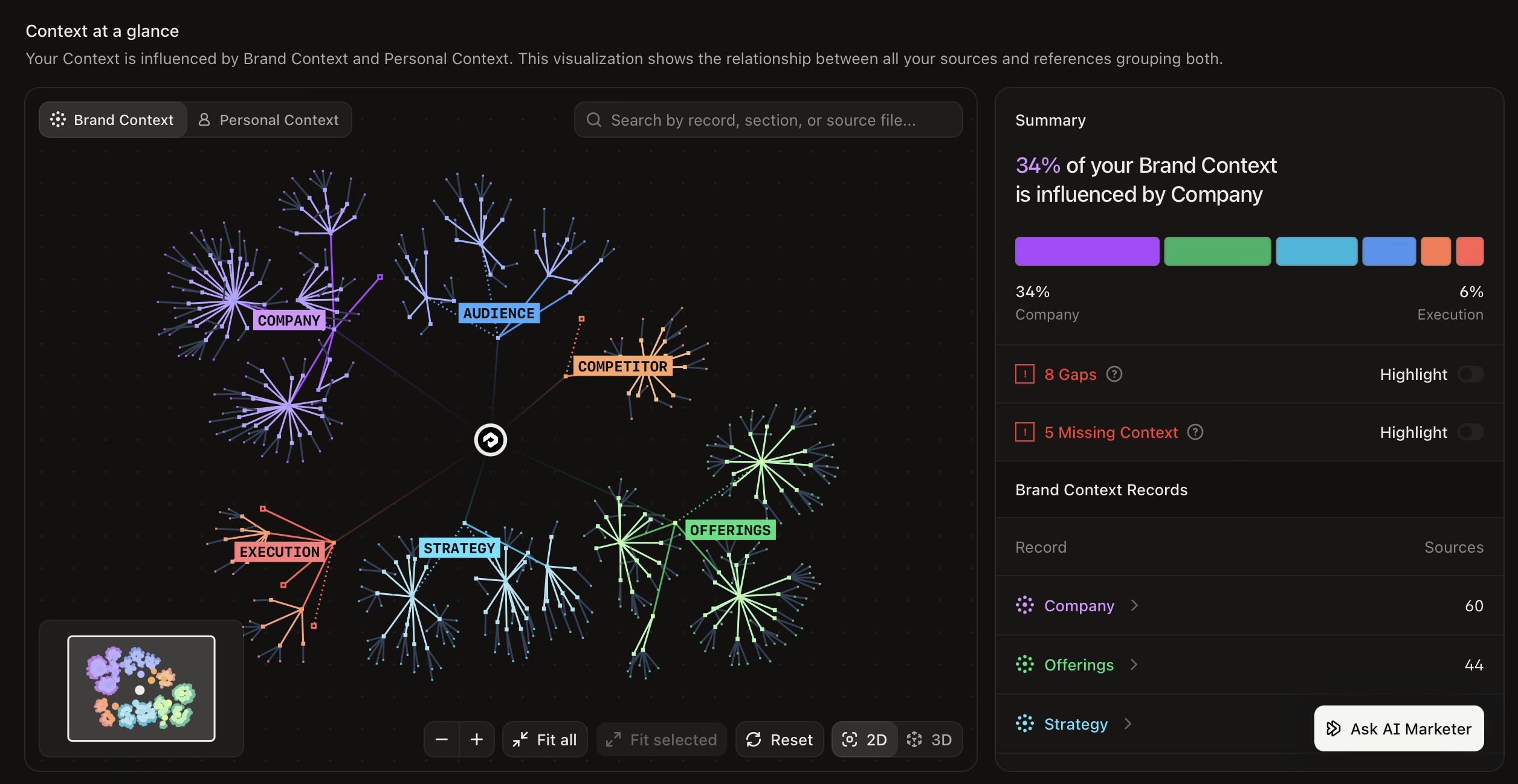
Fill gaps in context faster by seeing what shapes it
Your AI Marketer draws on your Brand and Personal Context to respond like someone on your team. The new Overview tab in Context Manager visualizes your context, making it easy to identify and fill gaps.
Close gaps: Turn on Highlight for Gaps, check the record, and select 'Fix gap'. Your AI Marketer asks one question at a time and applies each answer right away.
Add missing context: Turn on Highlight for Missing Context, check the record, and select 'Add Context'. Your AI Marketer helps you add the relevant context file.
Explore your source files: Browse the files your context draws from without leaving the Overview.
Context Manager is available on Enterprise and Agency plans. Learn more about Context Manager.
Give every brand, region, and business unit its own space with Profound Teams
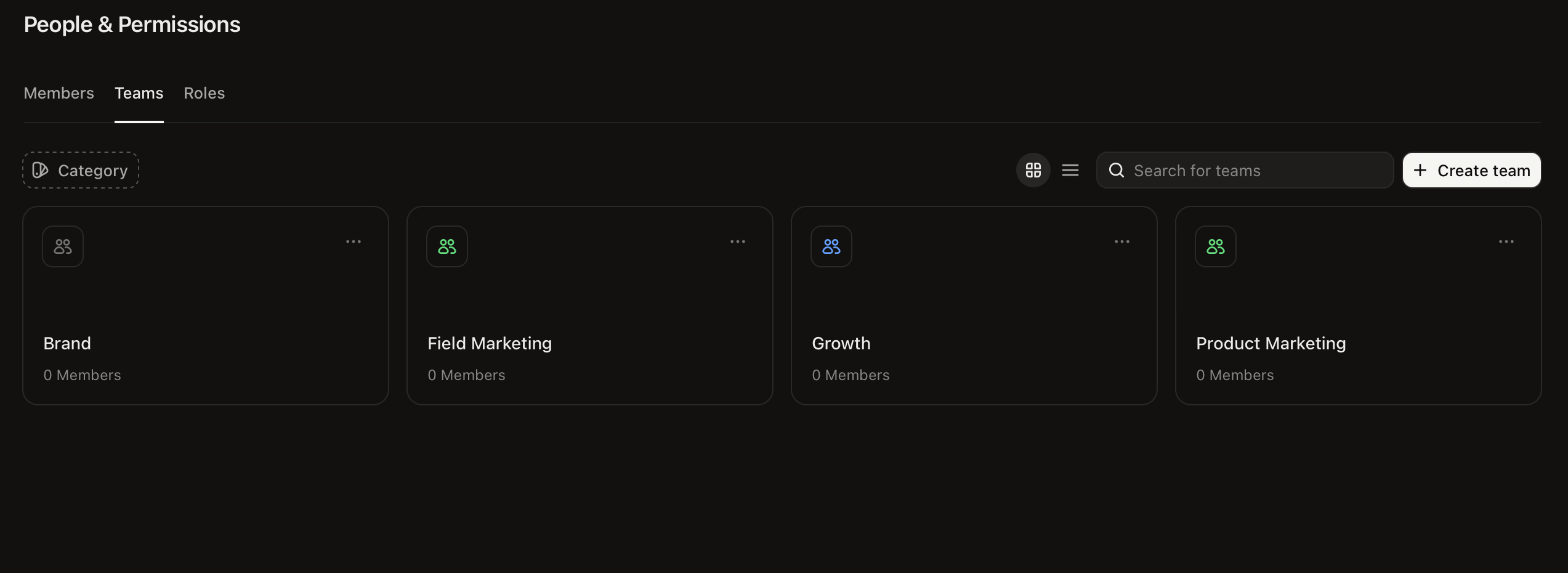
Admins can now create Teams inside your organization. Each Team can have its own categories, shared resources, and credit wallet, while reporting still rolls up in one place.
Manage access by group: Add categories to a Team and access follows membership.
Control access to shared work: Share Dashboards, Documents, Sheets, Agents, and Workflows with a Team at the access level you choose, such as viewer or editor.
Reserve credits for each Team: Other Teams cannot spend the credits in a Team wallet. To set up Team wallets, contact your Profound account team.
Profound Teams is available on Enterprise. Admins can create Teams from the Teams tab on the People page in Settings. Learn more about Profound Teams.
Bring shopper reviews and questions into your Workflows
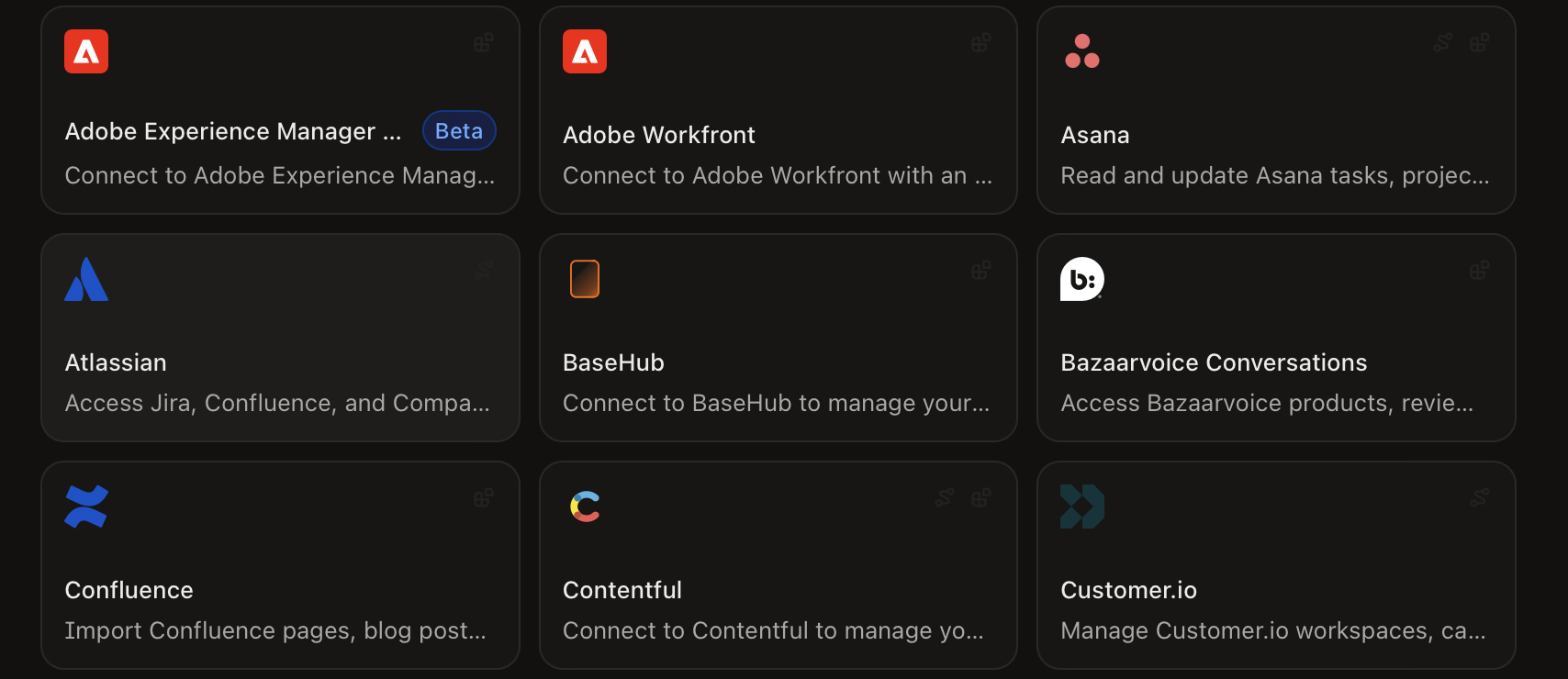
You can now connect your Bazaarvoice Conversations account to Profound to enable four new nodes that can import product feedback into Profound:
Find Products: Products in your Bazaarvoice account
Get Reviews: Shopper reviews
Get Product Ratings and Statistics: Ratings and statistics for your products.
Get Questions and Answers: Questions customers ask about a product and the answers
Use your AI Marketer to compare shopper feedback with what your product page and FAQ cover. Unanswered questions and rating distributions can help show which products deserve a closer look. To connect, open the Integrations page in Settings and select Bazaarvoice Conversations.
Other updates
Send Project tasks to Adobe Workfront: Use a Project's Export menu to send its suggested tasks and chats. To connect, open the Integrations page in Settings and select Adobe Workfront.
Log in to Profound to explore these product updates, and please share your feedback on how we can improve.